Company Profile
Overview
The Company Profile section is where you manage all of your business details, branding assets, and operational settings. This information powers your public profile and helps reseller partners understand your offerings.
Header and Branding
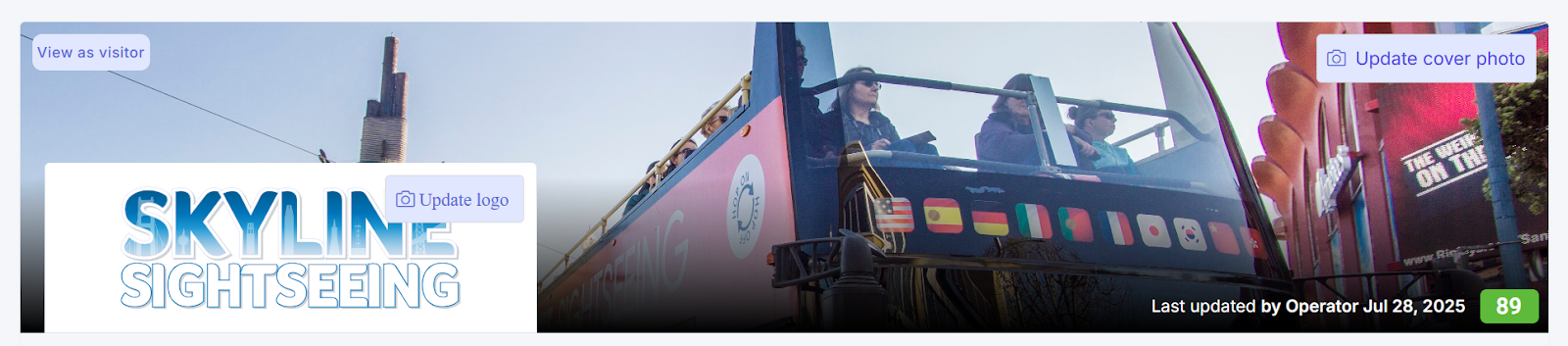
At the top of your profile you will find your visual branding elements and key metrics:
- Cover Photo and Logo - Update these by clicking the respective update buttons to upload new images
- View as Visitor - Preview how your profile appears to external visitors and partners
- Profile Score - A numerical indicator showing how complete your profile is; higher scores indicate better completeness
Profile Tabs
General
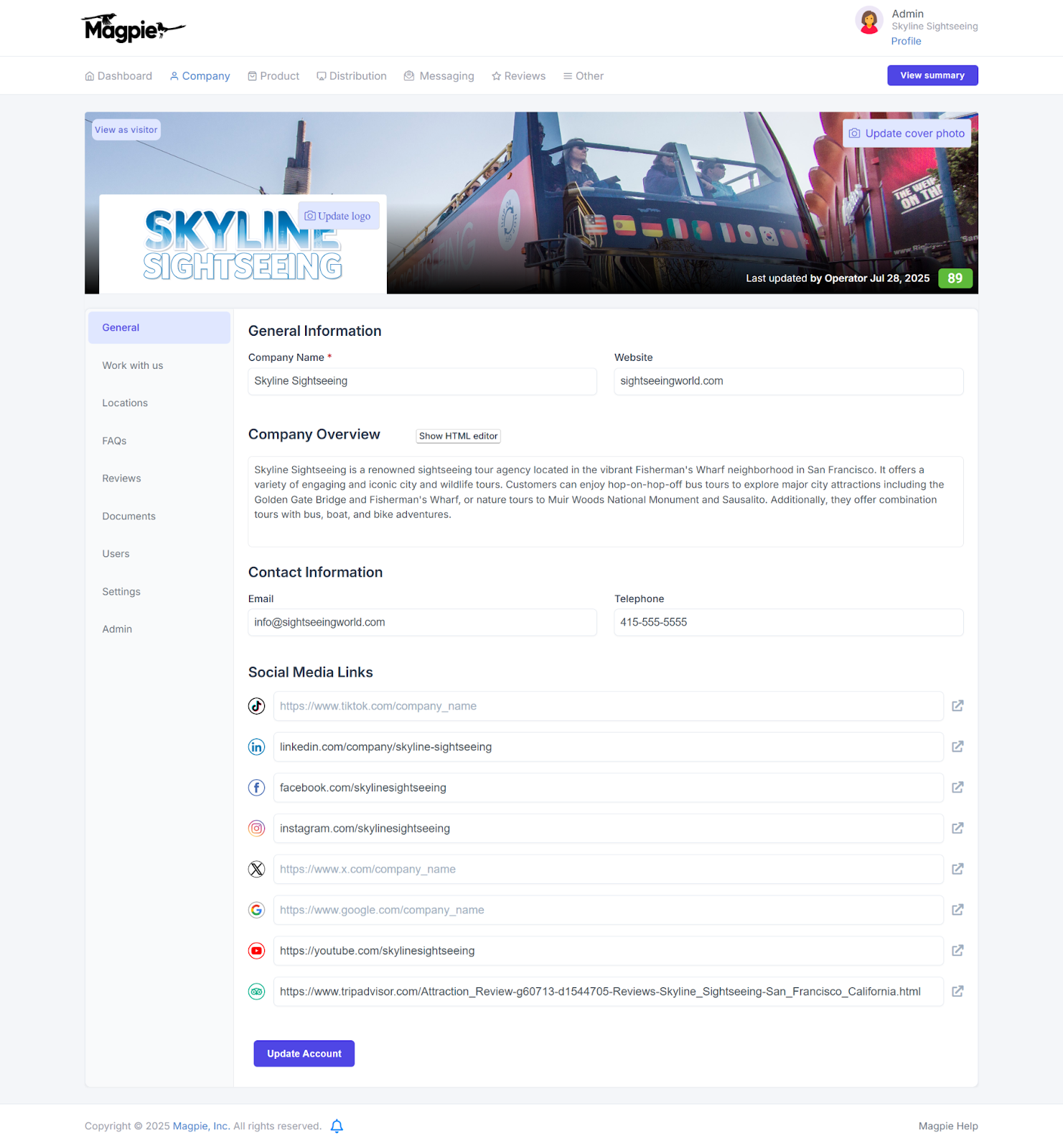
This tab contains your core company information:
- Company name and website URL
- Company overview with rich text formatting for your "About Us" description
- Public email and telephone contact details
- Social media links for Facebook, Instagram, LinkedIn, and TripAdvisor
Click Update Account to save any changes you make.
Work with Us
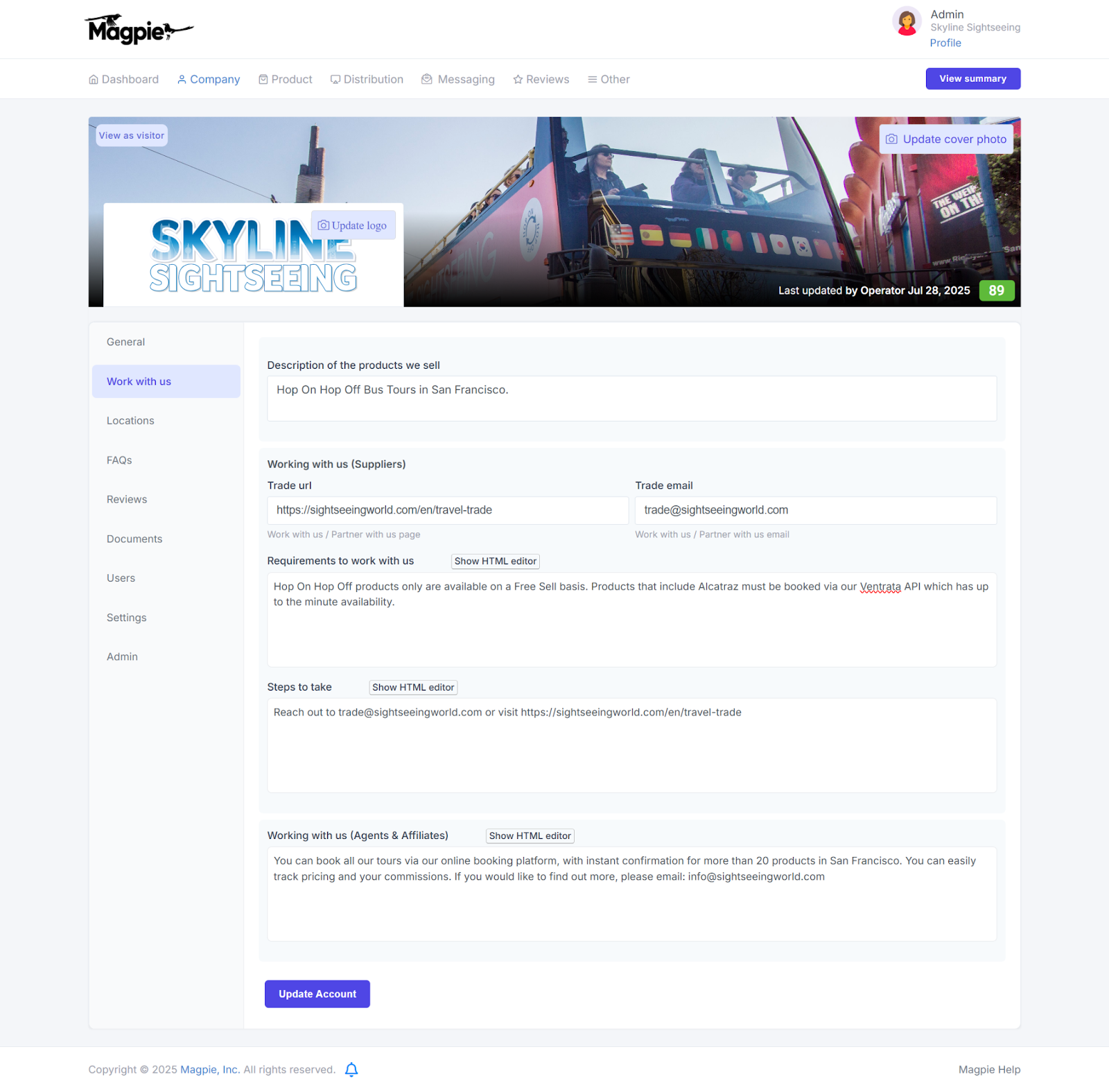
Configure your B2B partnership details:
- Product description of your tours and activities
- Trade contact URL and dedicated partnership email
- Requirements and steps for potential partners to begin working with you
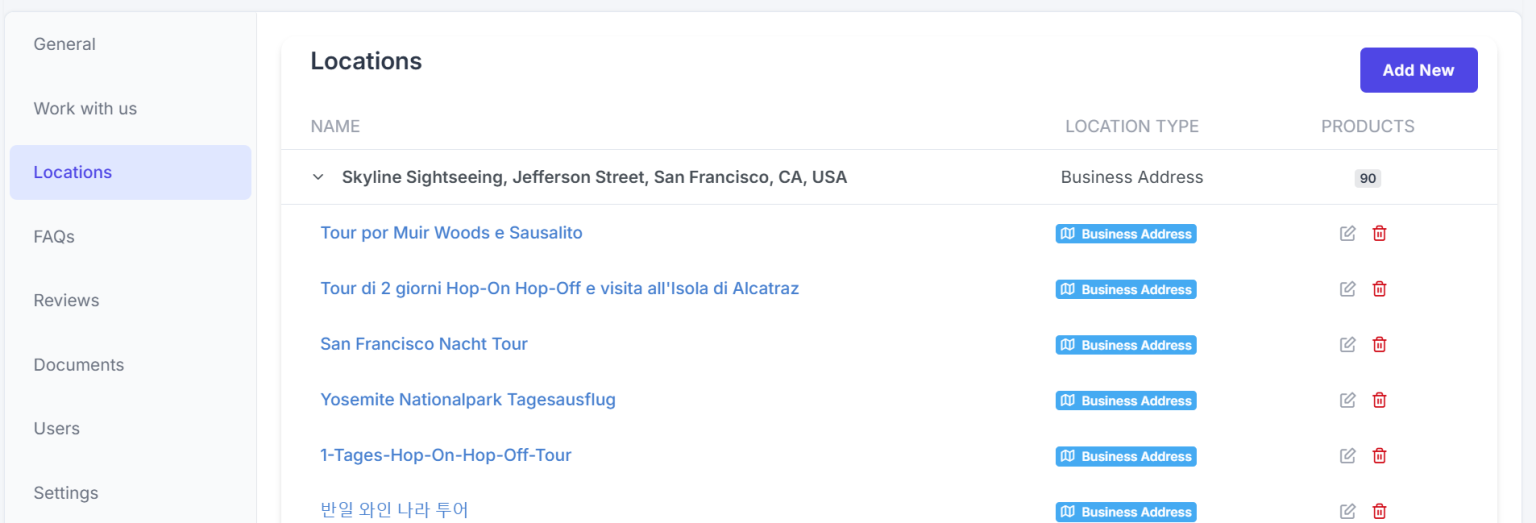
Locations
Manage your physical business locations. Each location can be designated as:
- Tour start or end point
- Ticket redemption center
- Pickup location
- Google Business Profile location
- Point of Interest
FAQs
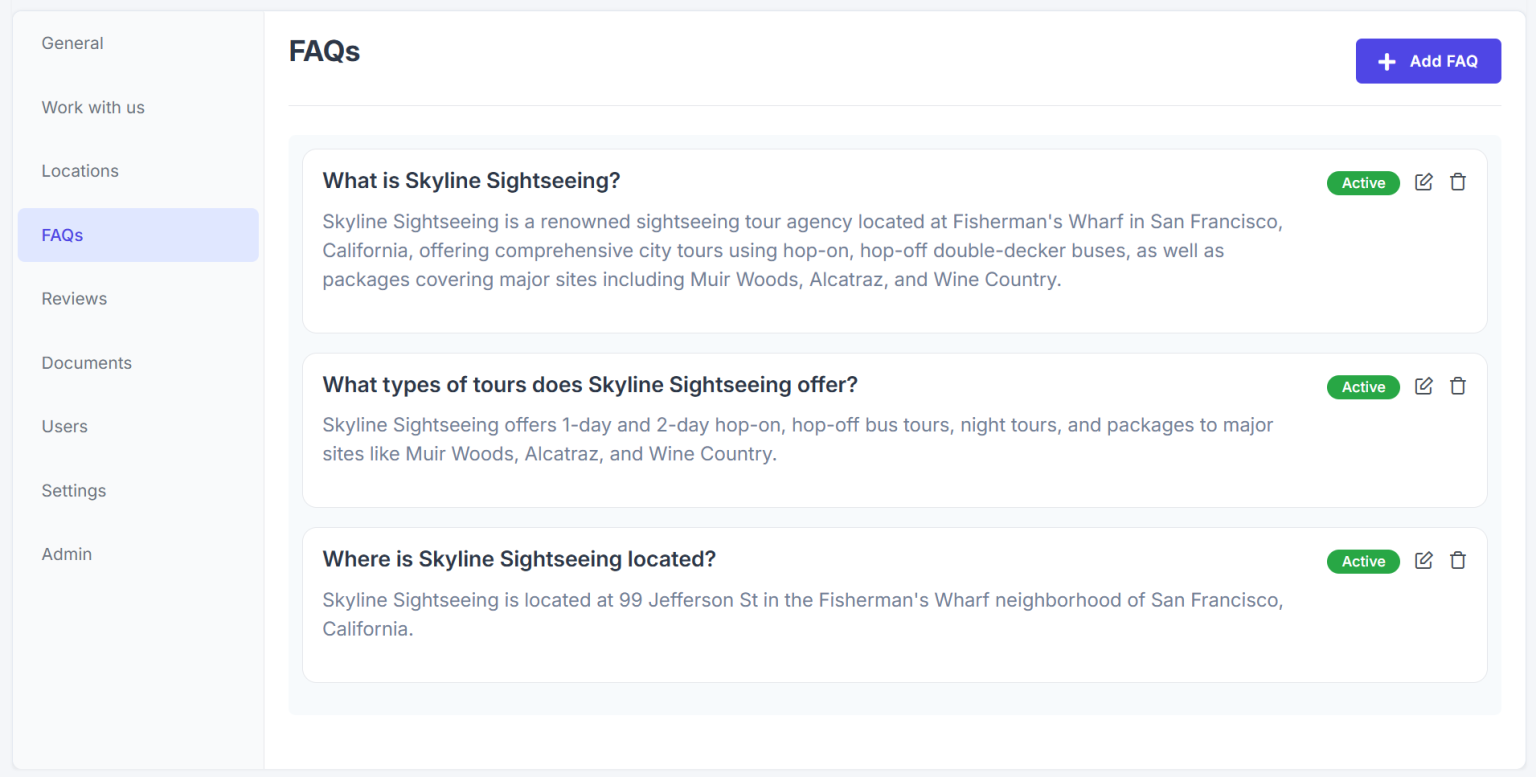
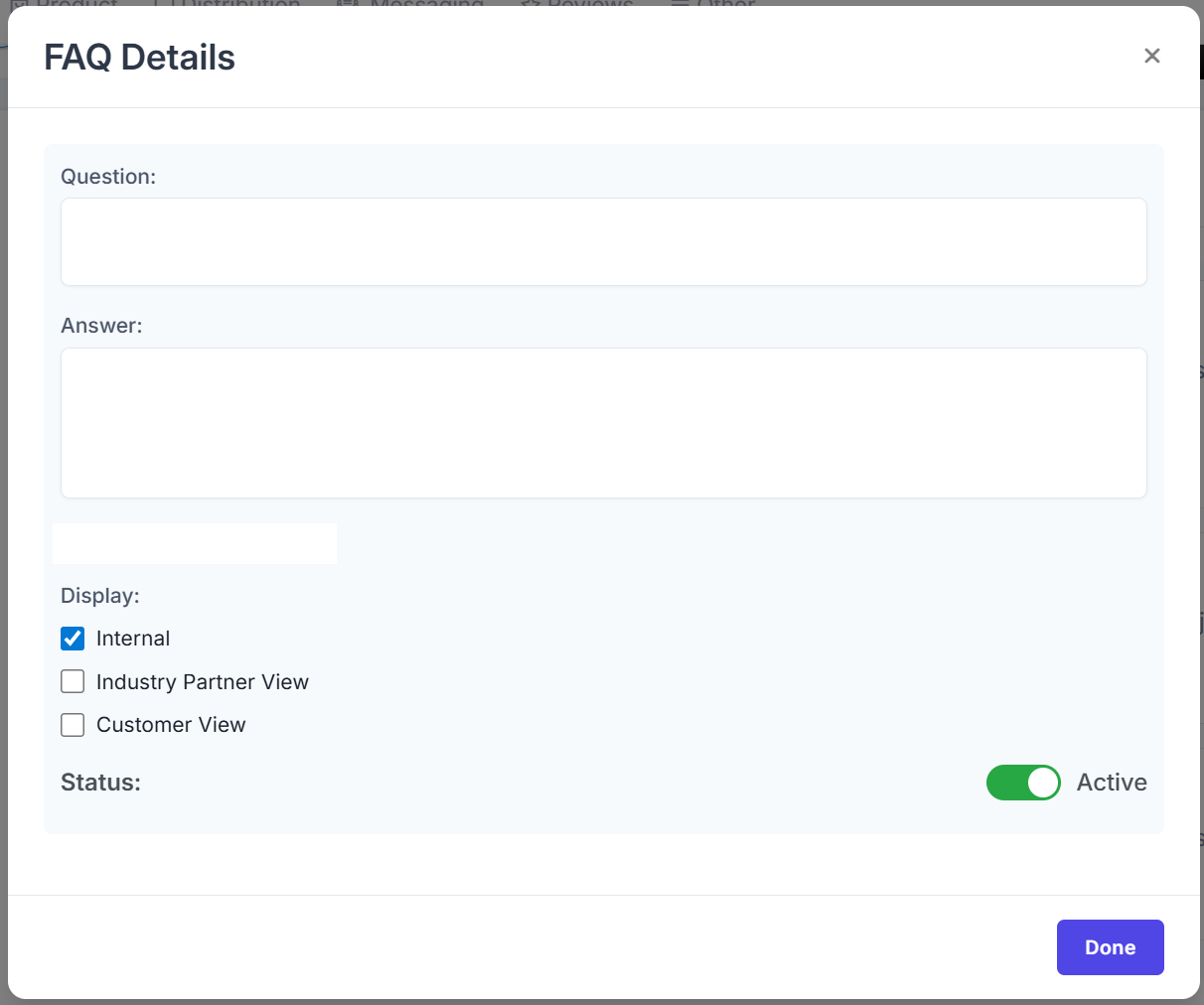
Create and manage frequently asked questions with:
- Question and answer fields
- Display options (Internal only, Industry Partner View, or Customer View)
- Active or Inactive status toggle for each FAQ entry
Documents
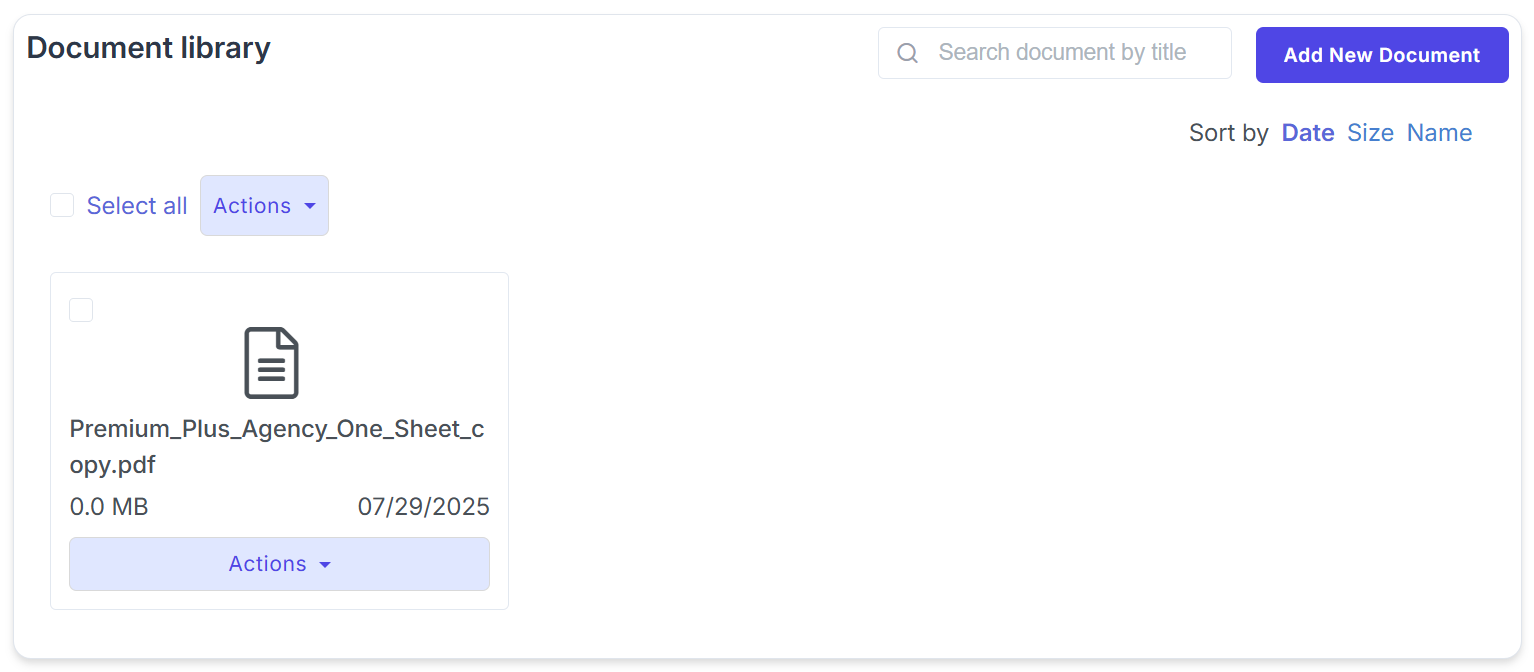
A private file storage area for contracts, brochures, insurance certificates, and other important documents. Includes search and sorting capabilities for easy retrieval.
Users
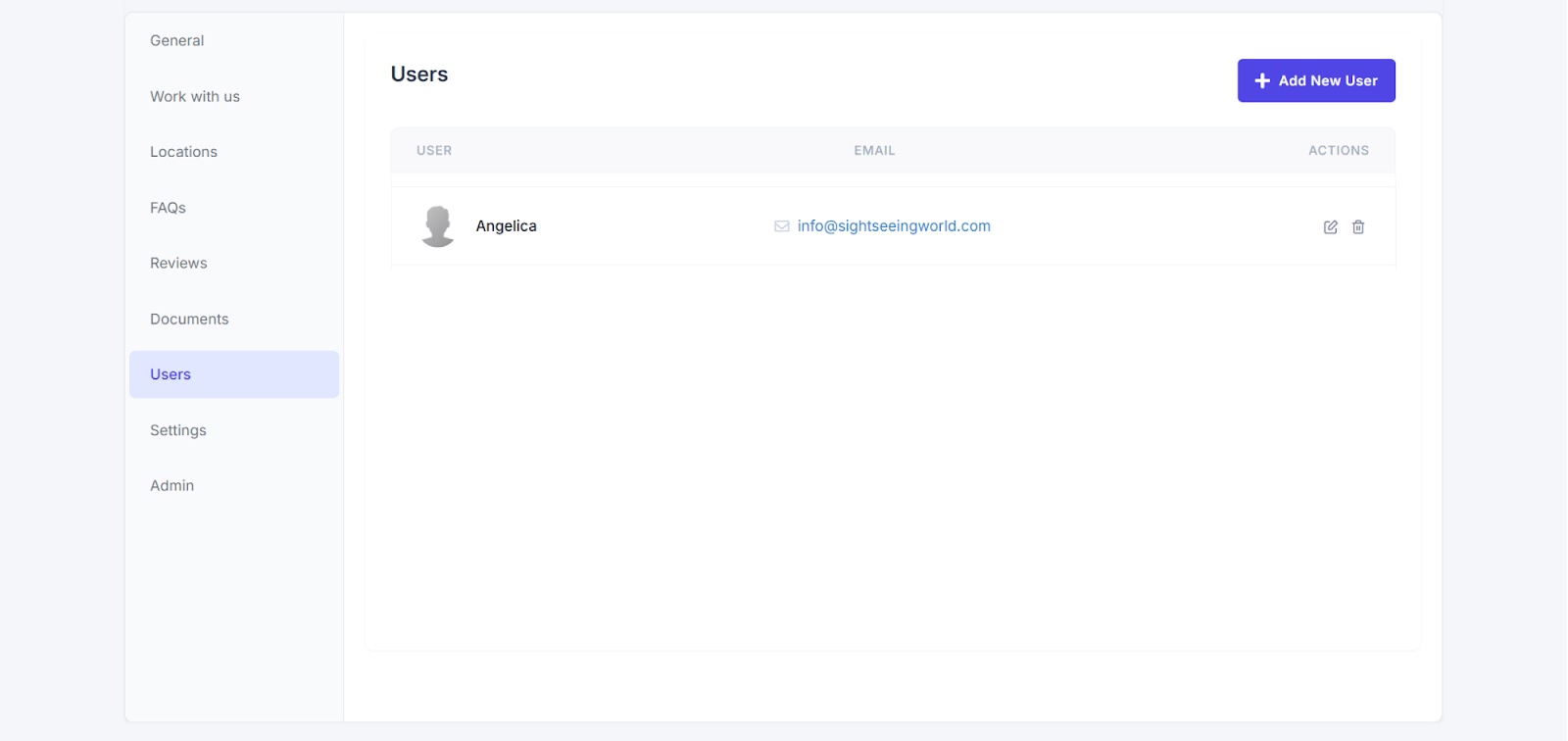
Manage team member access to your Magpie account. You can add, edit, or remove user accounts from this tab.
Settings
Configure technical and operational settings including:
- Language and timezone defaults

- Booking system selection (such as FareHarbor, Ventrata, or Rezdy)

- Profile visibility controls

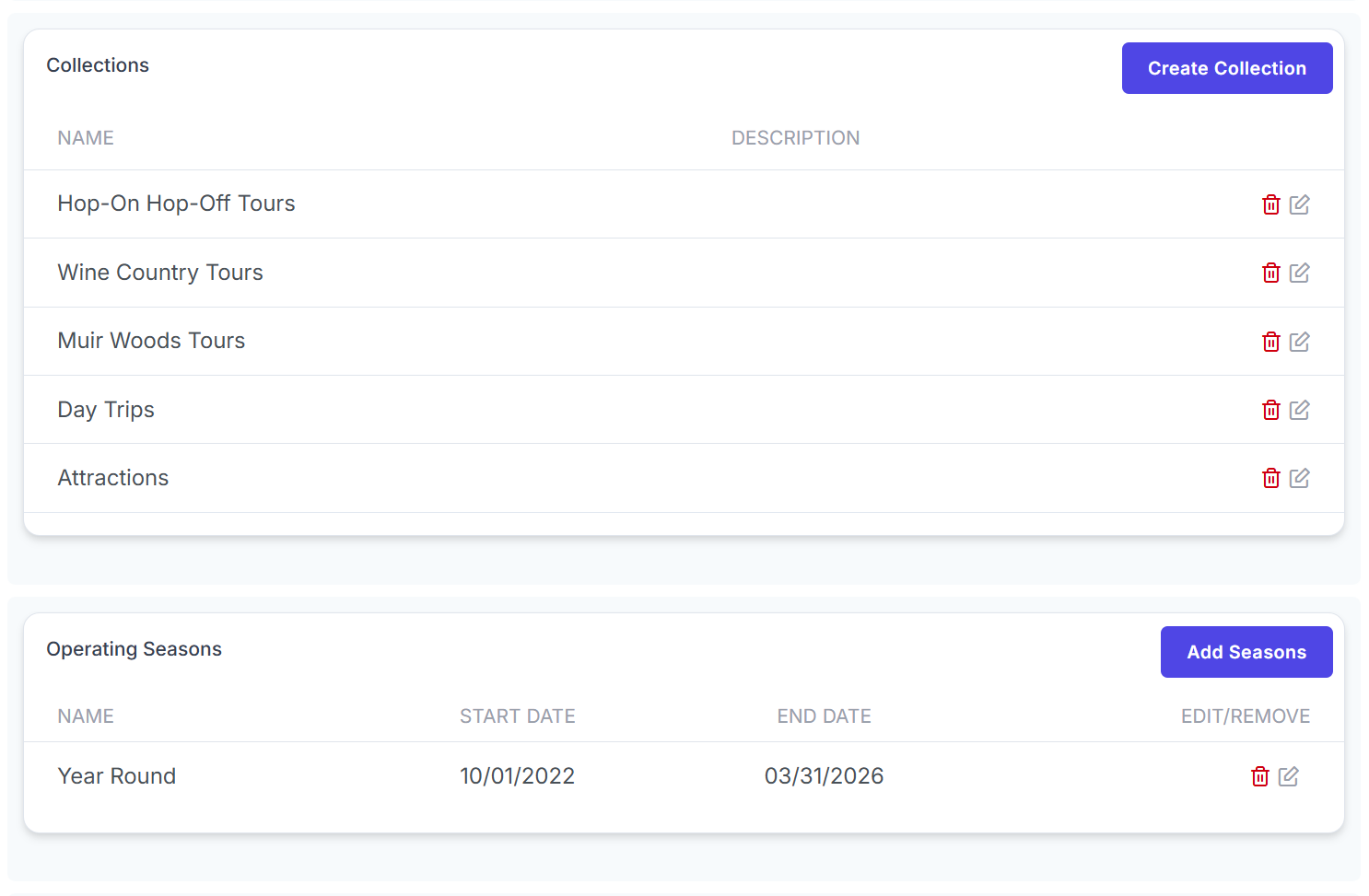
- Collections and seasonal definitions
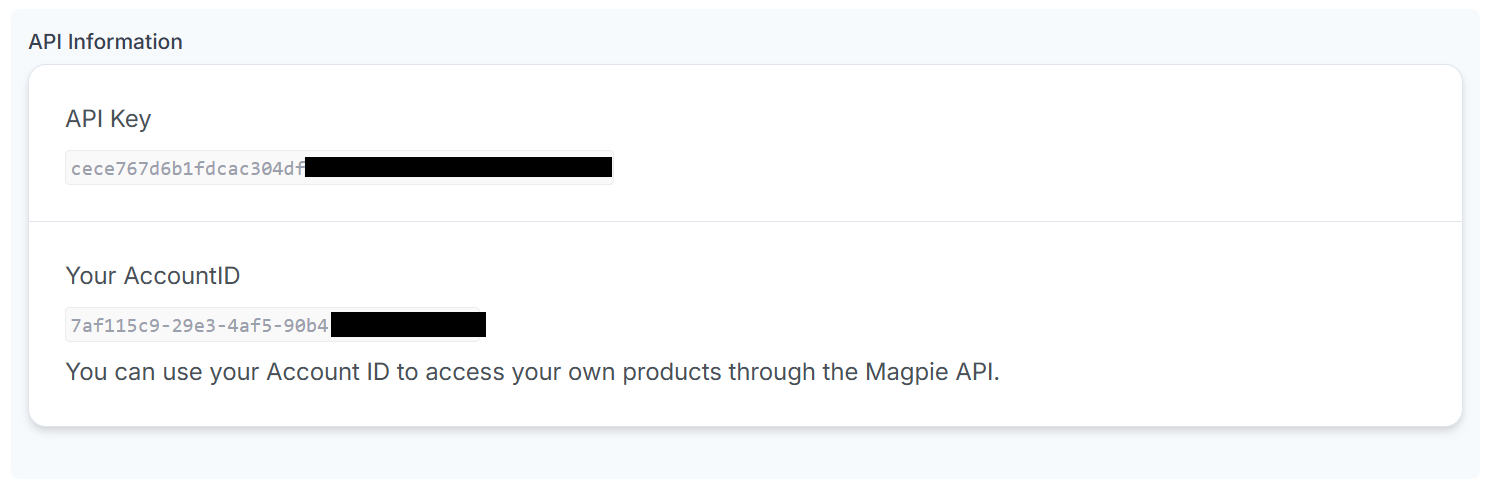
- API credentials for developer integrations
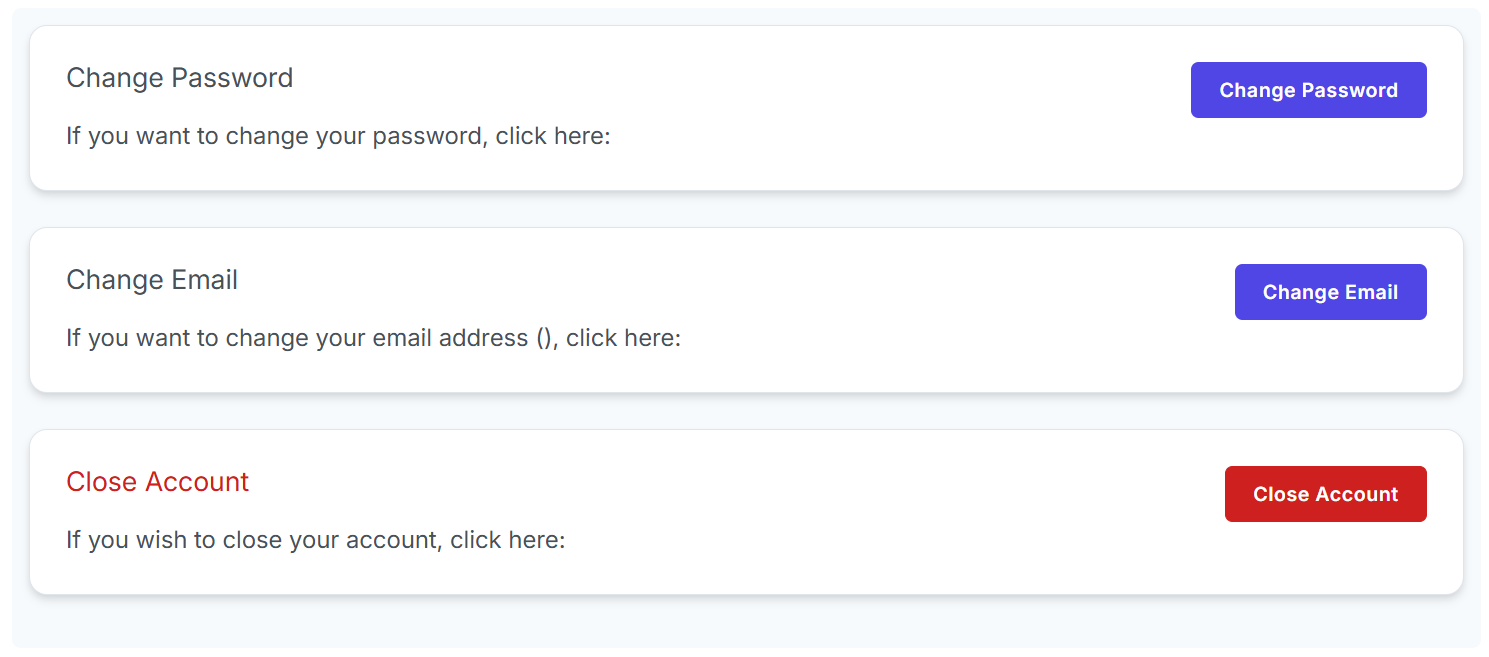
- Account management options for password changes, email updates, and account closure