
Manage Resellers
Overview
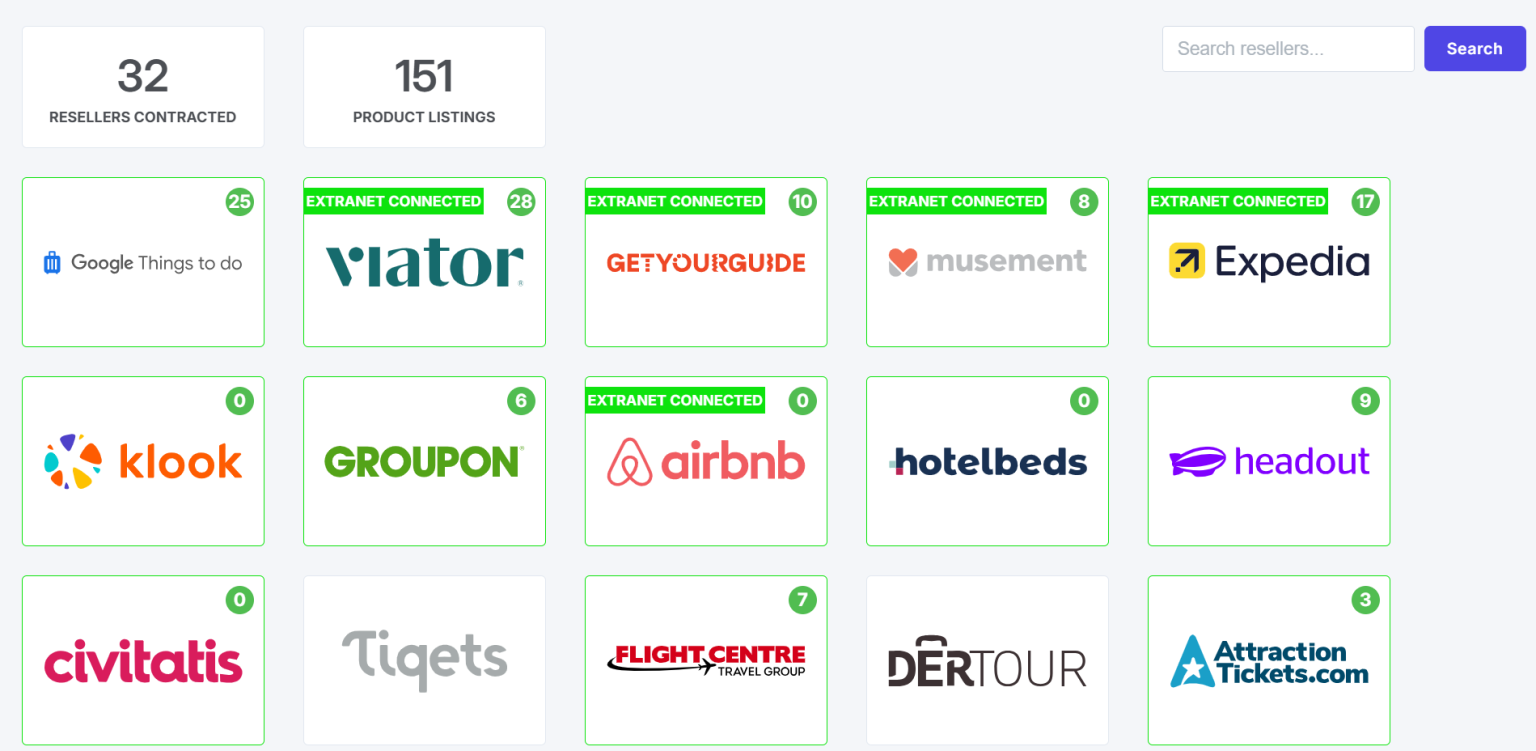
The Manage Resellers page, found under the Distribution dropdown in the navigation menu, allows you to manage existing reseller relationships and discover new distribution opportunities.
Partnership Options
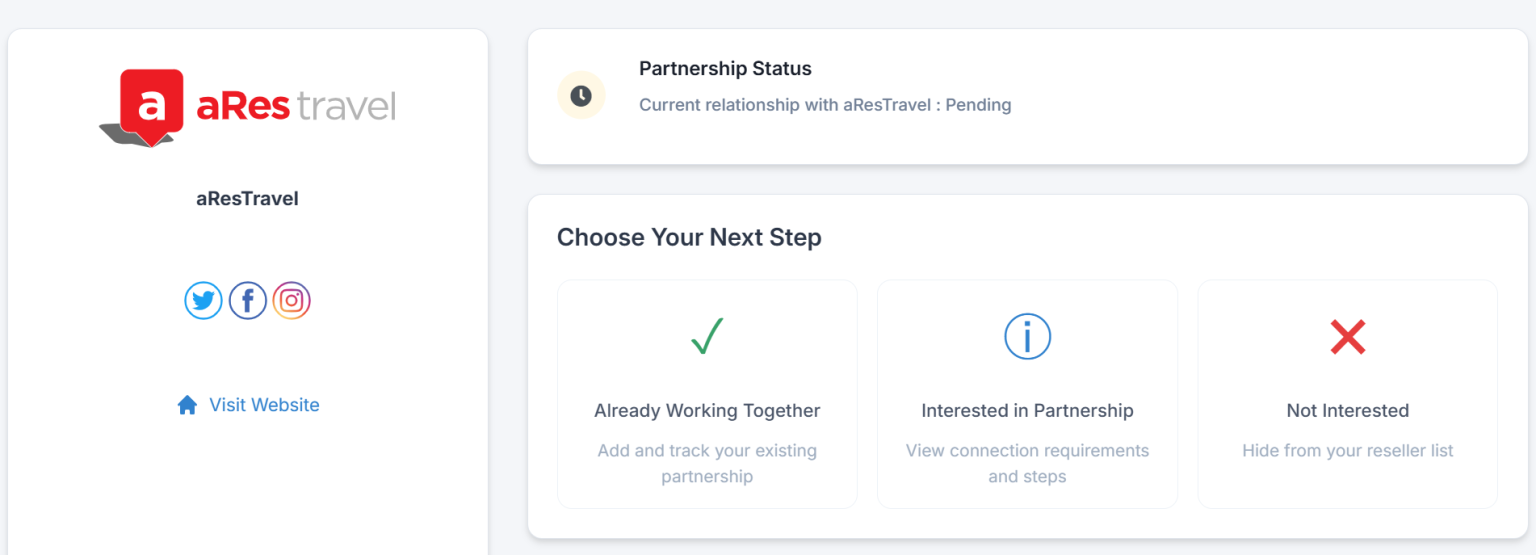
When you access a reseller's profile, you can choose from three relationship types:
- Already working together - Select this to create listings and track your relationship, including which products the reseller sells and who should receive product update notifications
- Interested in partnership - View contact information to initiate a potential partnership
- Not interested - Hide the reseller from your main grid display
Managing Listings
Search and Organization
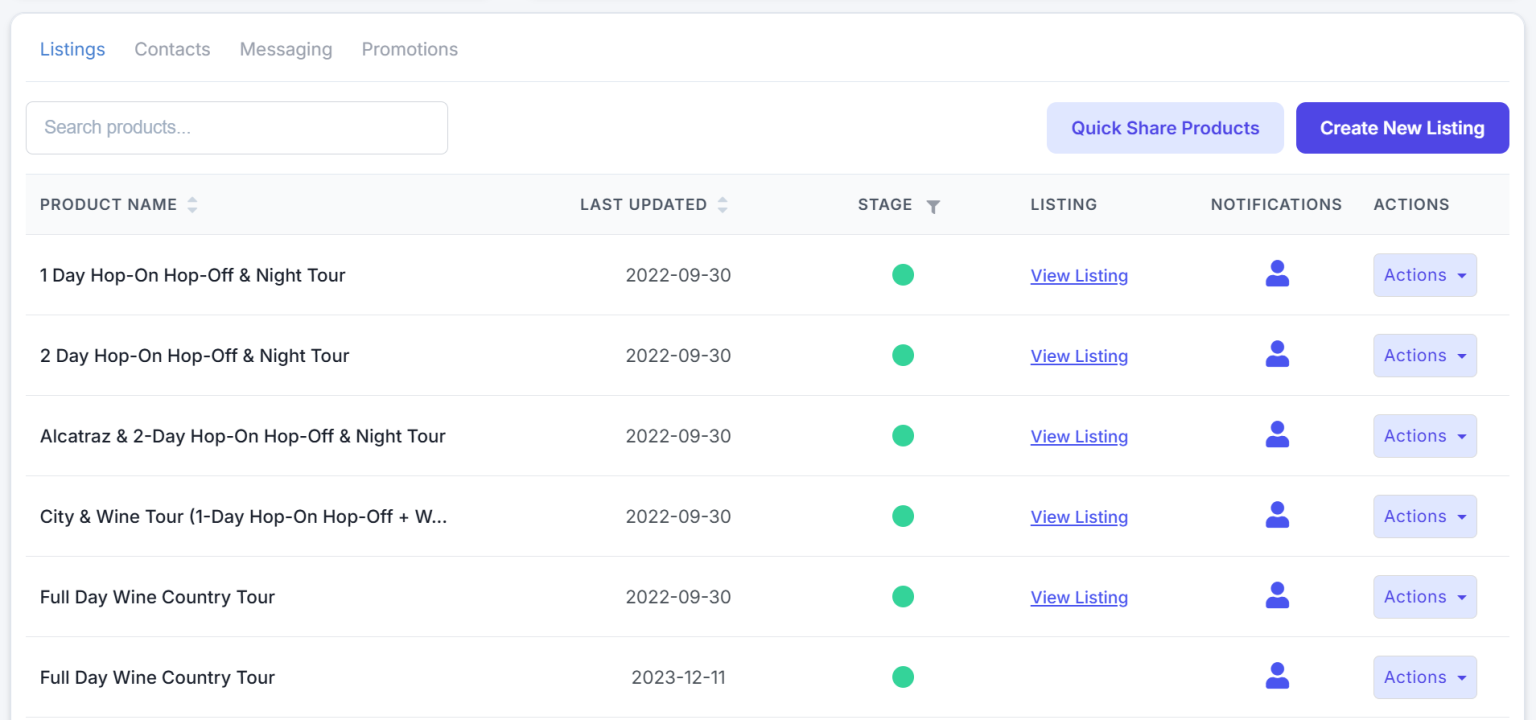
- Use the search bar to locate specific products within a reseller's catalog
- Sort results by Product Name or Last Updated using the column header arrows
- Filter by status (Mapped or Unmapped) using the Stage column filter
Product Status Indicators
- Green icons indicate Active products
- Yellow icons indicate Draft products
Product Actions
Click the Actions button on any product to access:
- Edit listing - Modify the listing details
- Delete listing - Remove the listing
- View on Magpie - Open the product in your Magpie dashboard
Creating New Listings
Click Create New Listing to build a new product listing from scratch within a reseller's hub.